What are the default meccha chameleon controls?
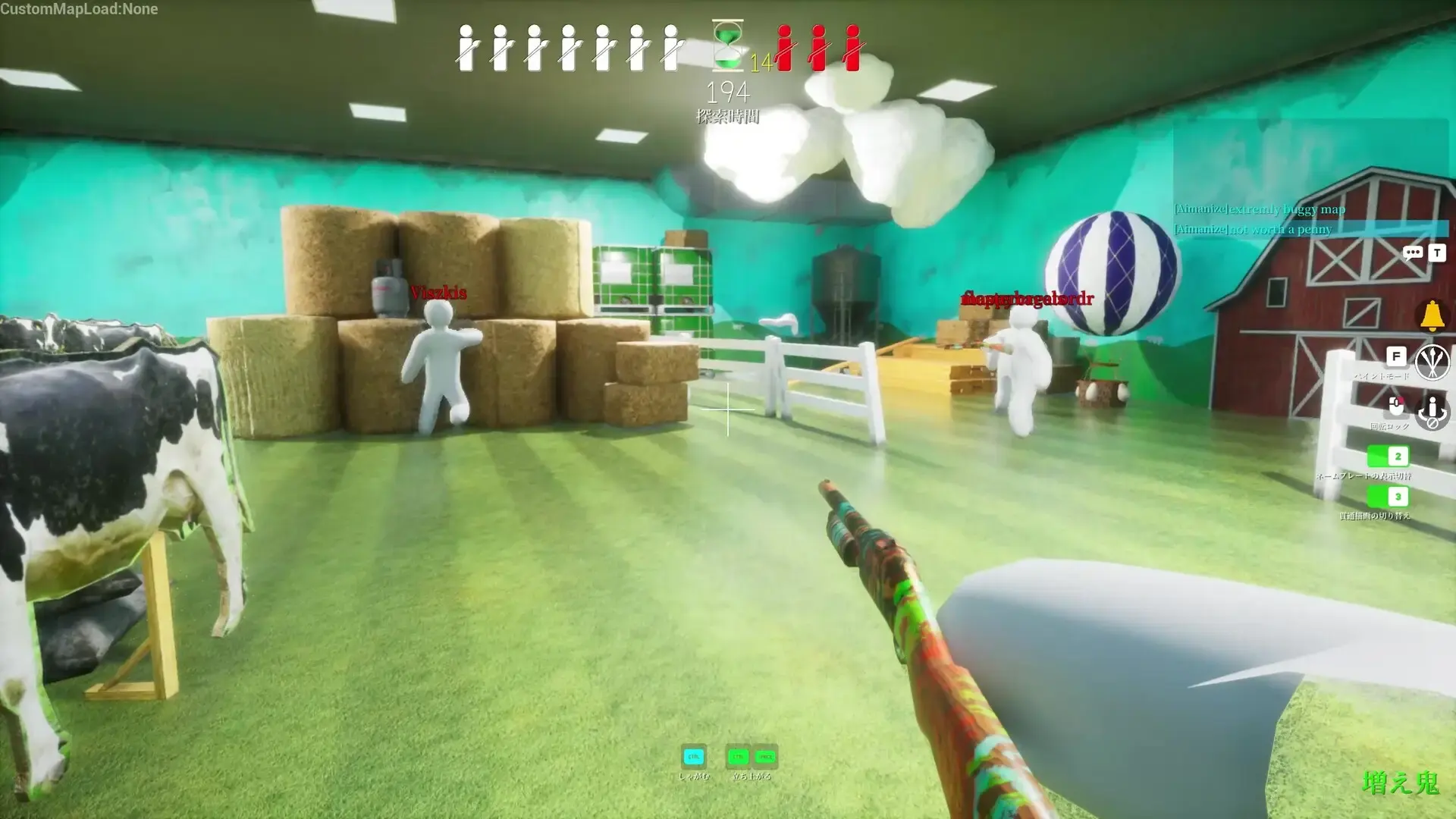
WASD move, Shift sprint, F paint menu, Space or LMB sample, R pose, LMB shoot as Seeker, Esc settings. Stock meccha chameleon controls stay the same on standard and Workshop maps until you remap locally.
How do I change meccha chameleon controls on PC?
Main menu → Settings → keyboard bindings. Pick the action, press the new key, save, then test in a private lobby. Meccha chameleon change keybinds on one machine do not sync — each player sets their own meccha chameleon controls.
Can I use a controller for meccha chameleon controls?
Yes — enable gamepad in Settings and map paint and pose to bumpers. Best meccha chameleon controller prep keeps sample off buttons you press while moving.
Does paint share a button with shooting in meccha chameleon controls?
No by default — Hiders use F and sample keys; Seekers fire LMB in hunt phase only. Double-binding breaks both roles when meccha chameleon controls are copied wrong.
Why remap meccha chameleon controls away from F?
F sits far from WASD on standard keyboards. Many players move paint to E or a mouse side button — document your meccha chameleon keybinds when teaching friends.
Are meccha chameleon controls different on Mac or cloud?
Same defaults inside the Windows client whether native, CrossOver, or GeForce NOW. Meccha chameleon controls labels do not change — latency might.
Where do I go after learning meccha chameleon controls?
How to Play for round flow, paint system for eyedropper depth, and hunter guide for Seeker sweeps. Meccha chameleon controls are the input layer — strategy lives on those pages.